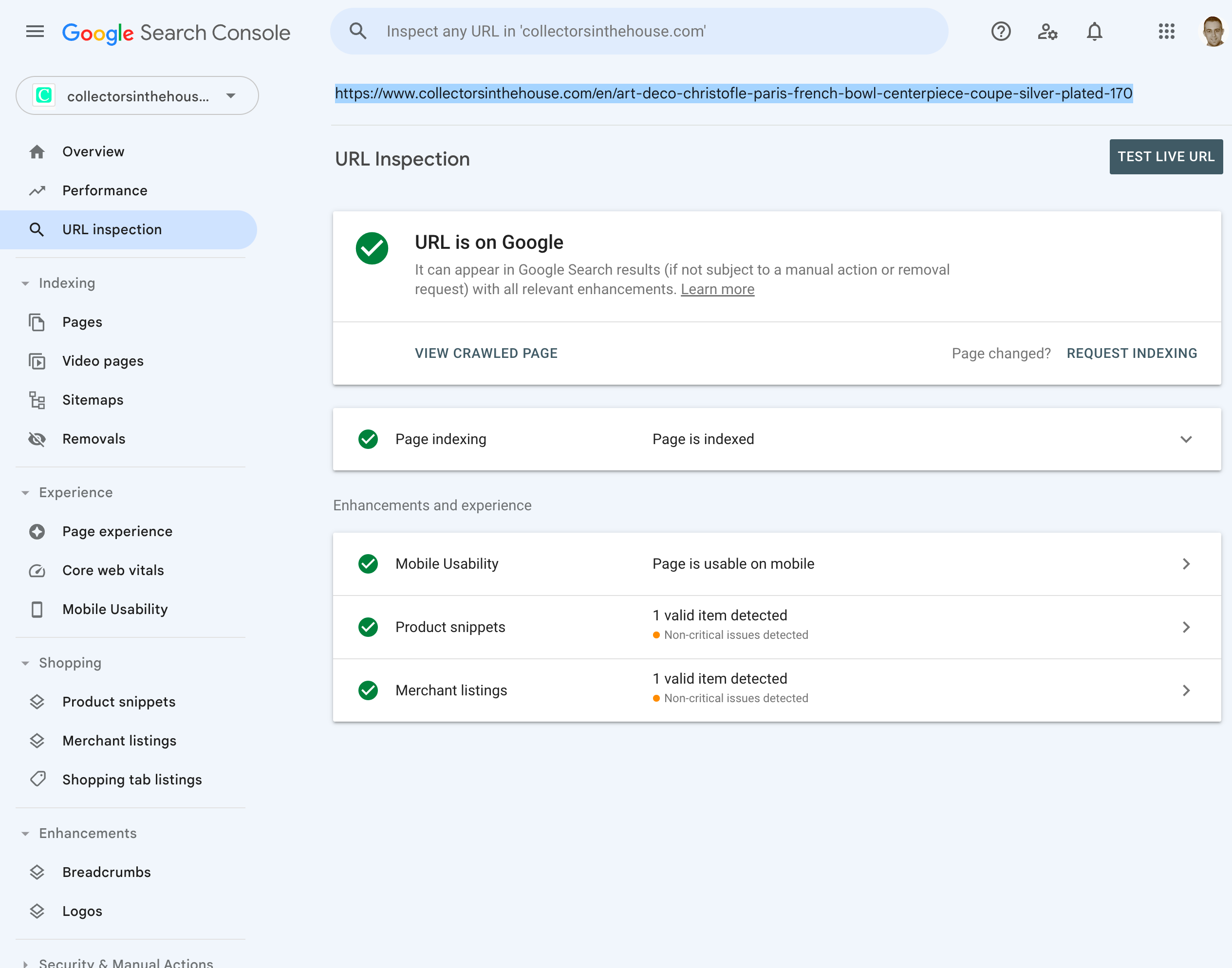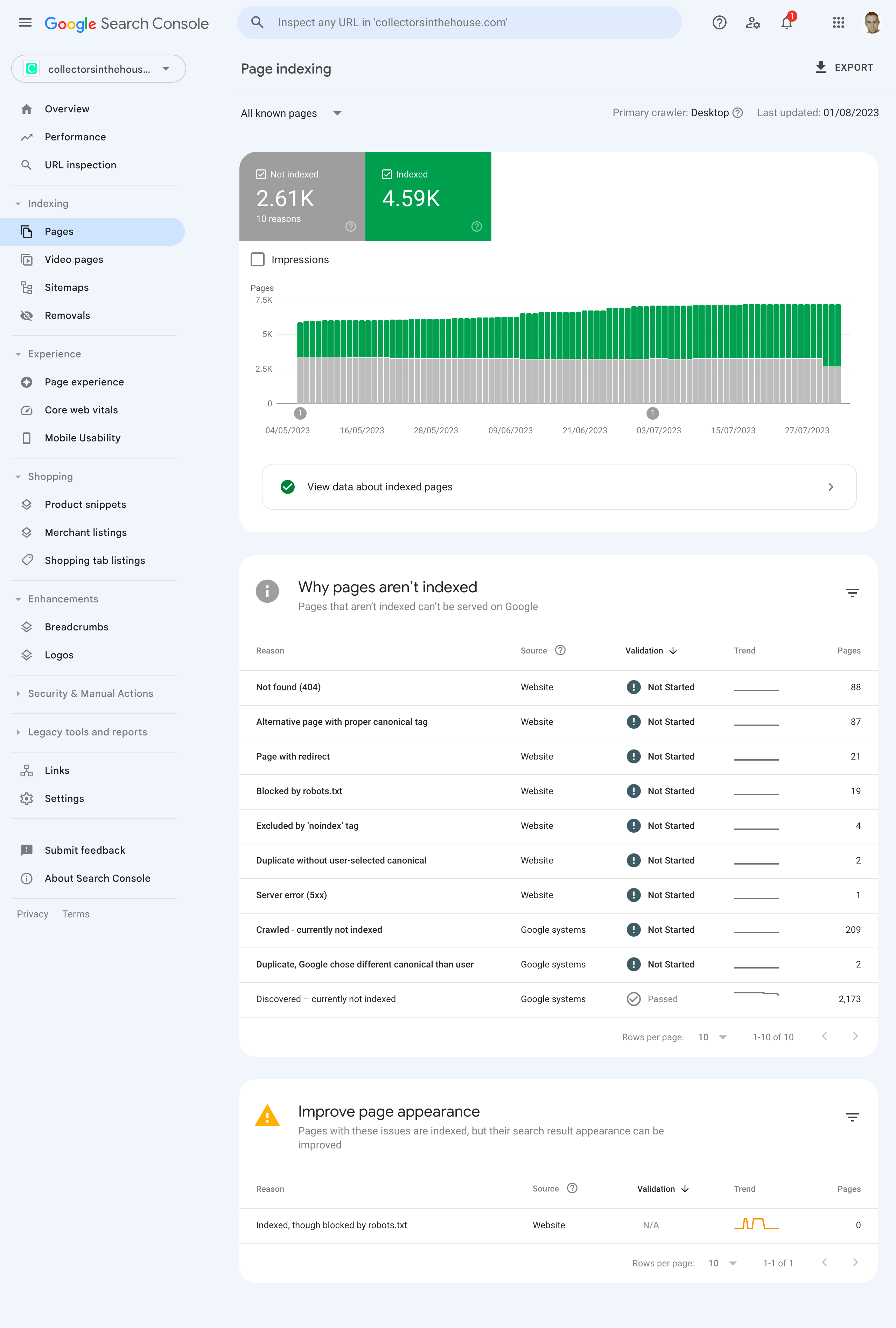
Recently, a new client came to us with a webshop whose robots.txt was misconfigured, accidentally blocking Google from crawling product pages. After we fixed the robots.txt and the indexing setup, thousands of URLs were stuck at Discovered — currently not indexed. Waiting for Google to recrawl everything naturally would have taken weeks. Sending URL notifications through the Indexing API sped up re-crawling of the fixed pages significantly.
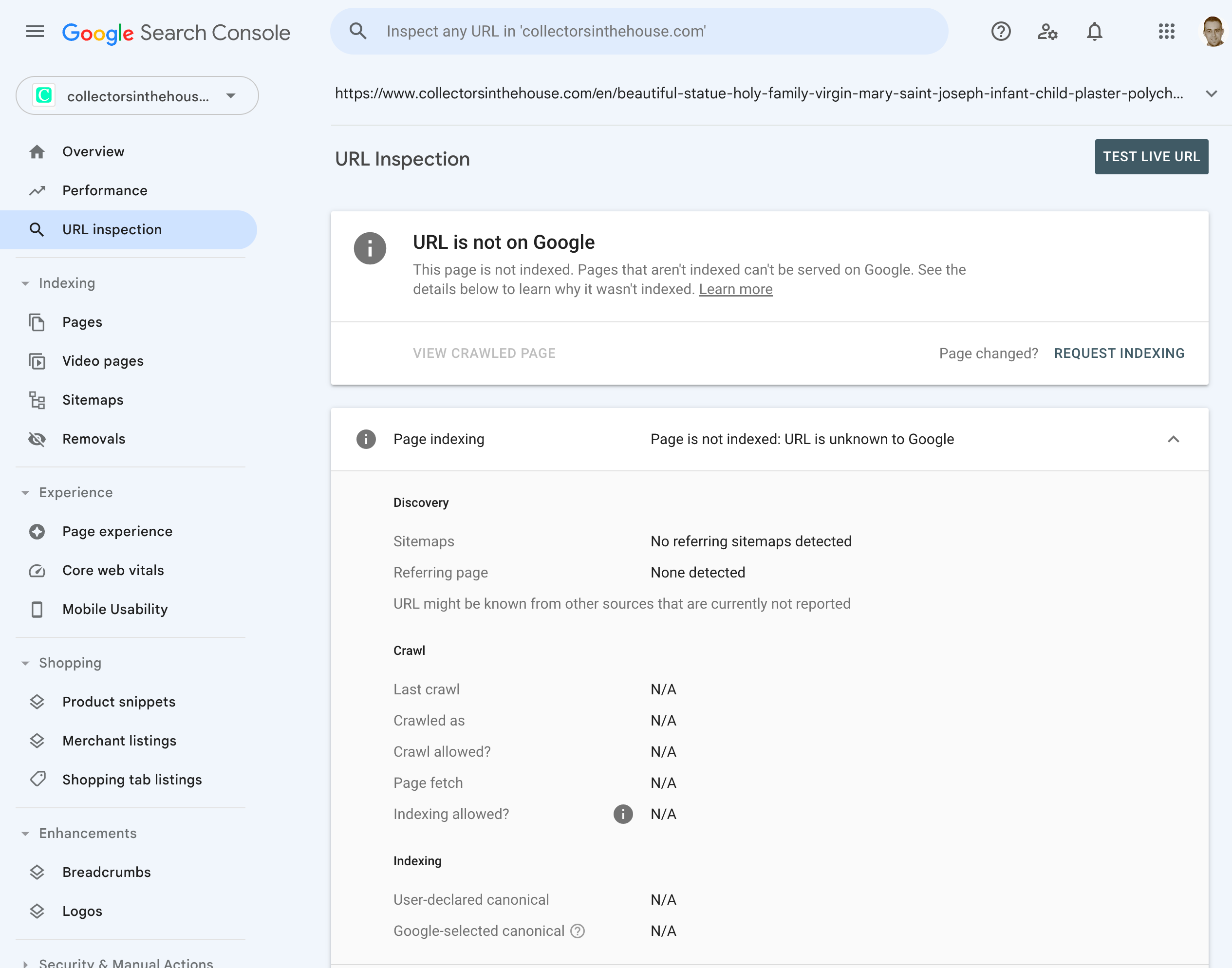
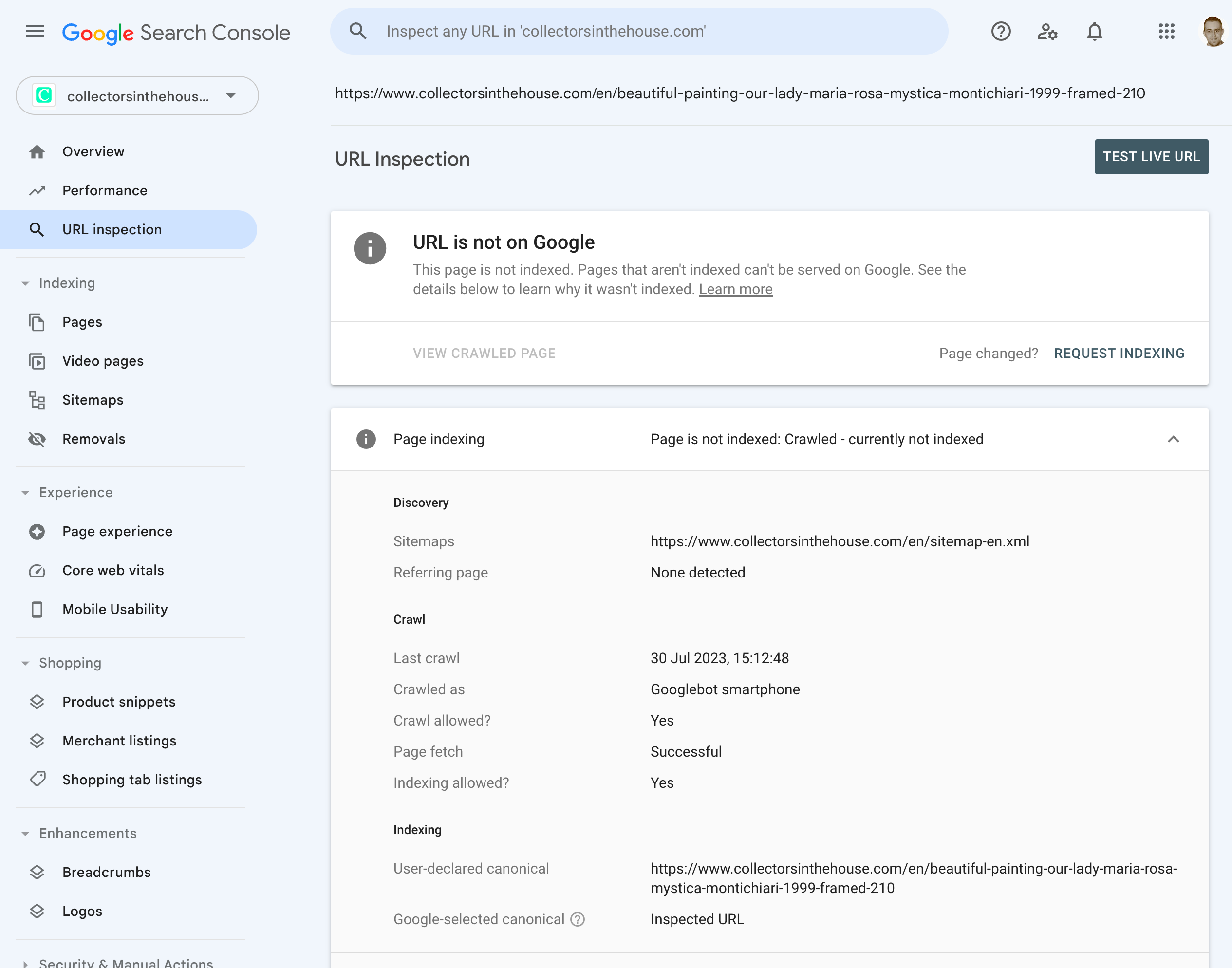
In Google Search Console, Discovered — currently not indexed means Google found a URL but has not yet decided to crawl it. The Indexing API lets you notify Google directly when a URL is updated or deleted. It is officially intended for job postings and live videos, but many site owners use it for any URL they want recrawled.
Before you run the commands
- Create a service account in the Google Cloud project that owns the Indexing API.
- Enable the Indexing API for that project.
- Add the service account email as an Owner in Google Search Console for the site.
- Generate an OAuth2 access token for the service account.
Replace <YOUR_ACCESS_TOKEN> in the examples with the token from gcloud auth application-default print-access-token or your OAuth flow.
Single URL notification
curl --request POST \
  --url https://indexing.googleapis.com/v3/urlNotifications:publish \
  --header "Authorization: Bearer <YOUR_ACCESS_TOKEN>" \
  --header "Content-Type: application/json" \
  --data '{
    "url": "https://example.com/page-url",
    "type": "URL_UPDATED"
  }'
Valid type values are URL_UPDATED (new or updated) and URL_DELETED (removed).
Batch URL notifications
For many pages at once, send a multipart request. Each part needs its own Content-ID and boundary.
curl --request POST \
  --url https://indexing.googleapis.com/batch \
  --header "Authorization: Bearer <YOUR_ACCESS_TOKEN>" \
  --header "Content-Type: multipart/mixed; boundary=batch-boundary-abc123" \
  --data-binary @- << 'EOF'
--batch-boundary-abc123
Content-Type: application/http
Content-Transfer-Encoding: binary
Content-ID: <batch-1>

POST /v3/urlNotifications:publish
Content-Type: application/json
accept: application/json

{ "url": "https://example.com/page-1", "type": "URL_UPDATED" }
--batch-boundary-abc123
Content-Type: application/http
Content-Transfer-Encoding: binary
Content-ID: <batch-2>

POST /v3/urlNotifications:publish
Content-Type: application/json
accept: application/json

{ "url": "https://example.com/page-2", "type": "URL_UPDATED" }
--batch-boundary-abc123--
EOF
What to expect
- A successful response is HTTP
200with aUrlNotificationMetadataobject. - The API only requests a crawl; Google still decides whether to index the page.
- The quota is currently 200 notifications per day per site.
Other things that help
- Submit or resubmit an XML sitemap in Search Console.
- Add strong internal links to the page from already indexed pages.
- Make sure the page is useful, fast, and mobile friendly.
- Be patient; indexing can take hours or days.
For full setup details, see the official Indexing API quickstart and using the API docs.